
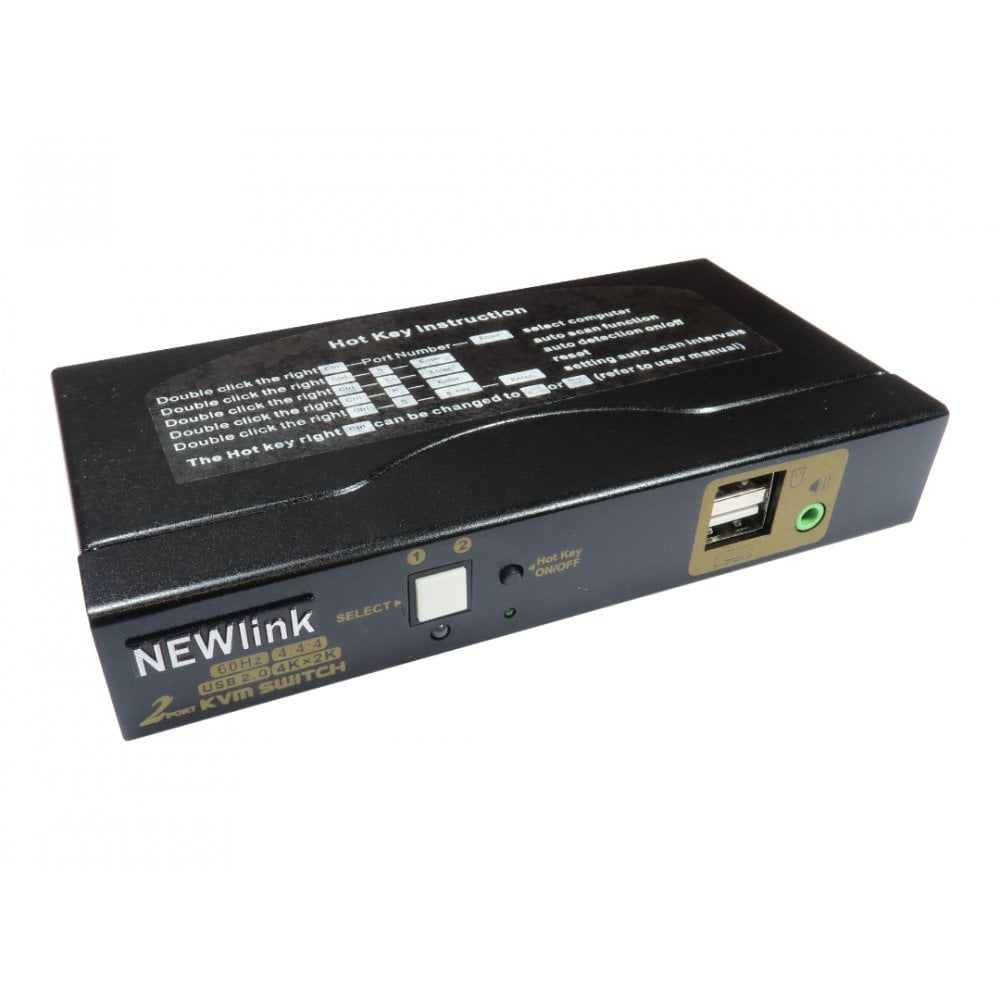
Cables Direct Black Nlkvmhdmi-22A Kvm Switch
Cables Direct
KVM switches allow you to control multiple computers from one keyboard. video monitor and mouse. The KVM supports USB mice. keyboards and HDMI displays.Installation is simple1. Connect computers to USB ports with a USB type A to type B cable to the KVM2. Connect HDMI cables to the displays and KVM3. Connect USB keyboard and mouse to the relevant ports on the back of KVM4. The front USB port can be used for other USB devices
Compare prices (3 shops)
| shop | Price | Action |
|---|---|---|
| PCHUB.UK | 46,13 GBP | Go to shop |
| PcNova.co.uk | 54,70 GBP | Go to shop |
| GamingKit | 55,36 GBP | Go to shop |
Similar products
-

Newlink 4 Port Usb & 4K Hdmi 2.0 Kvm Switch
From 79,01 EUR -
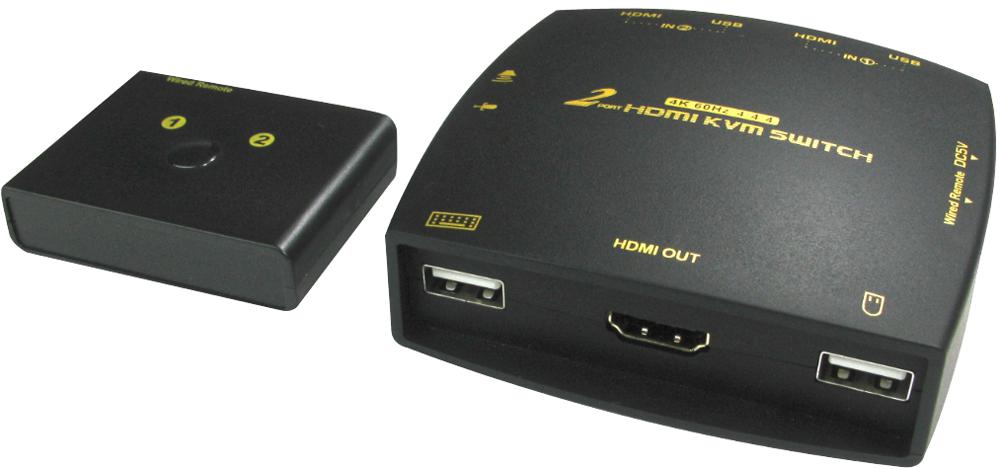
Newlink Mini 2 Port Usb & 4K Hdmi 2.0 Kvm Switch
From 46,70 EUR -

Newlink 2 Port Dual Screen 4K Hdmi Kvm Switch
From 100,42 EUR -

Newlink 2 Port Usb & 4K Displayport Kvm Switch
From 83,98 EUR -

Newlink 4K 60Hz Hdmi 2.0 Repeater
From 35,76 EUR -

Newlink 4 Port Usb & 4K Displayport Kvm Switch
From 131,50 EUR